Function
Functions are elements that define an expression, which can be used inside expressions across the entire WebVision project. Each function contains a script that is executed every time the function is invoked.
- Script is a JavaScript code that can receive parameters through an array called “argv”.
- Script can be accessed from any other input in the project using the expression =func(“name”, parameter1, parameter2, …, parameterN).
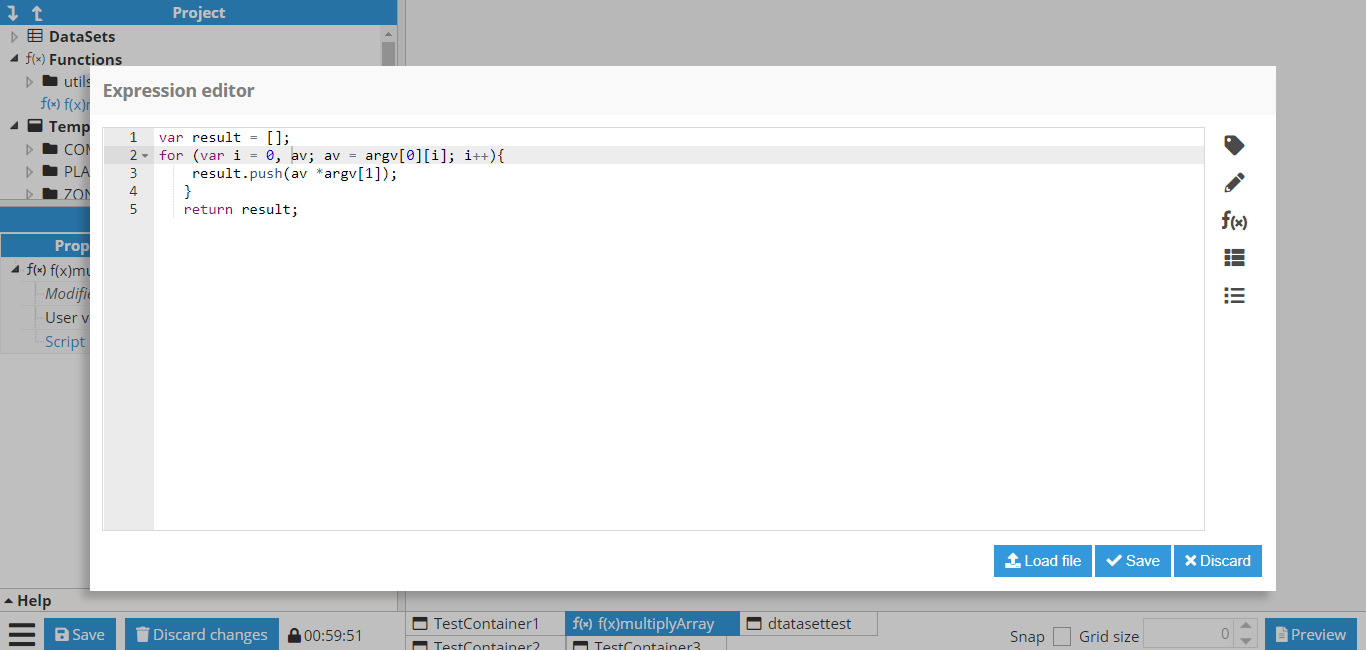 Figure 42: Example function for multiplying an array received as the first parameter by a number received as the second parameter.
 Figure 43: Usage example and execution result
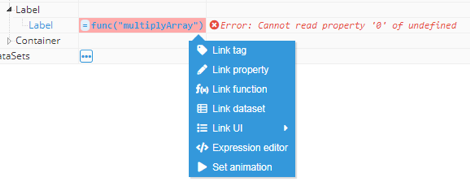 Figure 44: Function helper result – an error occurred due to missing parameters