Views Introduction
Views are text labels used to group tags in order to restrict the information exchanged between N3uron nodes via link connections.
Views Configuration
A node can have as many Views as needed. Views can be created either manually or by importing a csv file.
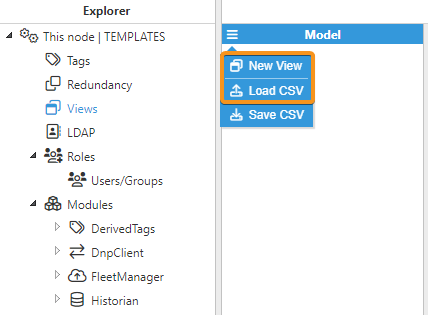
To manually create a View, proceed as follows:
1. Head to the Explorer panel, expand the menu under This node, and select Views.
2. Click on the menu button on the left-hand side of the Model header and select New View.
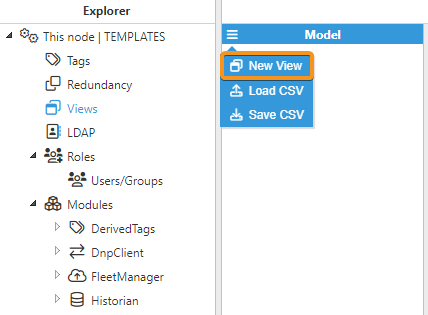
3. Enter a name for the View, taking into account that this name will also be the one used in both the Tags and Links configuration. If needed you can enter a brief Description of the View too.